A free server that's online when your friends are.
Make a Minecraft Java server in about a minute. It sleeps when nobody's on and wakes up when a friend joins. Run it from a full panel, or just ask your own AI.
- No card needed
- Full panel on the free plan
- Owners 13 and up. Players need no account.
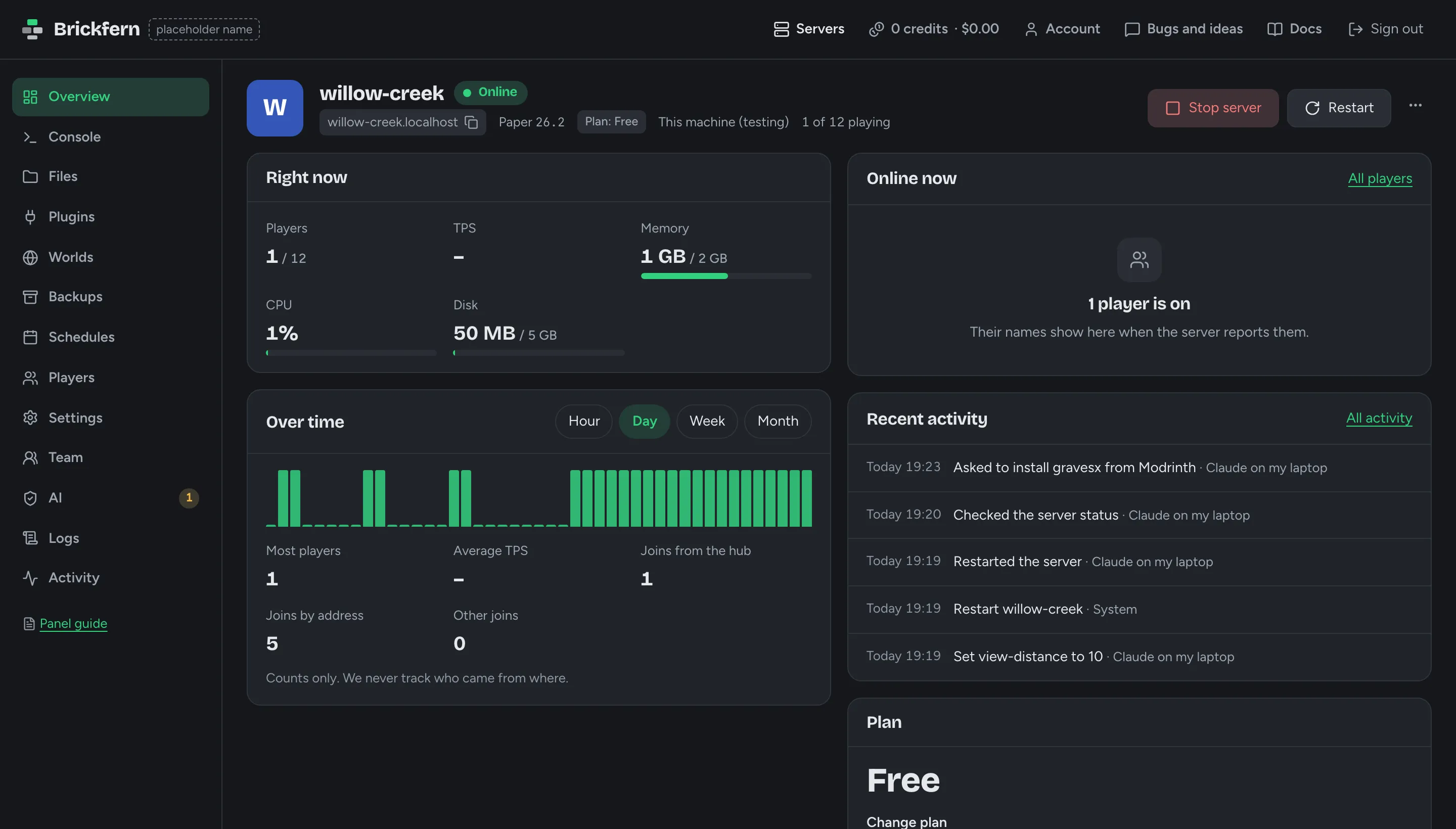
Or just ask your AI
Connect Claude, ChatGPT or any MCP app once. Then say what you want in your own words. Your AI works through our connector, and you decide what it may do on its own.
How to connect your AI- You
Get willow-creek ready for me and my friends: normal difficulty, no PvP, we keep our items when we die, and a way to set homes.
- Tool call:
get_server_statusAllowedChecked willow-creek: running, Paper 26.2, 12 player slots
- Tool call:
get_server_propertiesAllowedRead the server settings: difficulty peaceful, PvP on
- Tool call:
set_server_propertyAllowedSet difficulty to normal
Snapshot #1 saved first
- Tool call:
set_server_propertyAllowedSet pvp to off
Snapshot #2 saved first
- Tool call:
set_gameruleAllowedSet the gamerule keepInventory to on
Snapshot #3 saved first
- Tool call:
search_pluginsAllowedSearched Modrinth for homes: Simple Homes, MIT, trusted
- Tool call:
install_pluginWaiting for your OKInstall simple-homes from Modrinth
- Claude Code
Normal difficulty, PvP off and keep inventory are set, each with a snapshot first. Installing Simple Homes needs your OK in the panel.
- You approved it in the panel
- Tool call:
list_my_approvalsAllowedChecked my requests: approved and done, Simple Homes installed
- Tool call:
restart_serverAllowedRestarted the server so the new settings and plugin load
- Claude Code
Done. willow-creek is on normal difficulty with PvP off, players keep their items when they die, and Simple Homes is in: use /sethome and /home. Every change is in the AI history with Undo if you change your mind.
Recorded Oct 7, 2026 with Claude Code through our connector. Lightly trimmed, never written by us.
- You
Why is my server lagging? My friends say blocks take ages to break.
- Tool call:
get_server_statusAllowedwillow-creek is running: 103% CPU, 1416 of 2048 MB memory, 1 player
- Tool call:
diagnose_serverAllowedFound 1 problem: the processor is maxed out, view and simulation distance are both 32
- Claude Code
The server is using all of its processor, and the view and simulation distance are set to 32 chunks, so it loads and runs a huge area around every player. I'll lower them to the usual sizes: simulation 6, view 10.
- Tool call:
set_server_propertyAllowedSet simulation-distance to 6
Snapshot #1 saved first
- Tool call:
set_server_propertyAllowedSet view-distance to 10
Snapshot #2 saved first
- Tool call:
restart_serverAllowedRestarted the server so the new distances apply
- Tool call:
get_server_statusAllowedBack up with the player on: 20% CPU, 1019 MB memory
- Claude Code
Fixed: with the same player online, the processor went from 100% to about 20%. Players still see 10 chunks around them. If you want it farther, try 12, not 32. Both changes have Undo in the AI history.
Recorded Oct 7, 2026 with Claude Code through our connector. Lightly trimmed, never written by us.
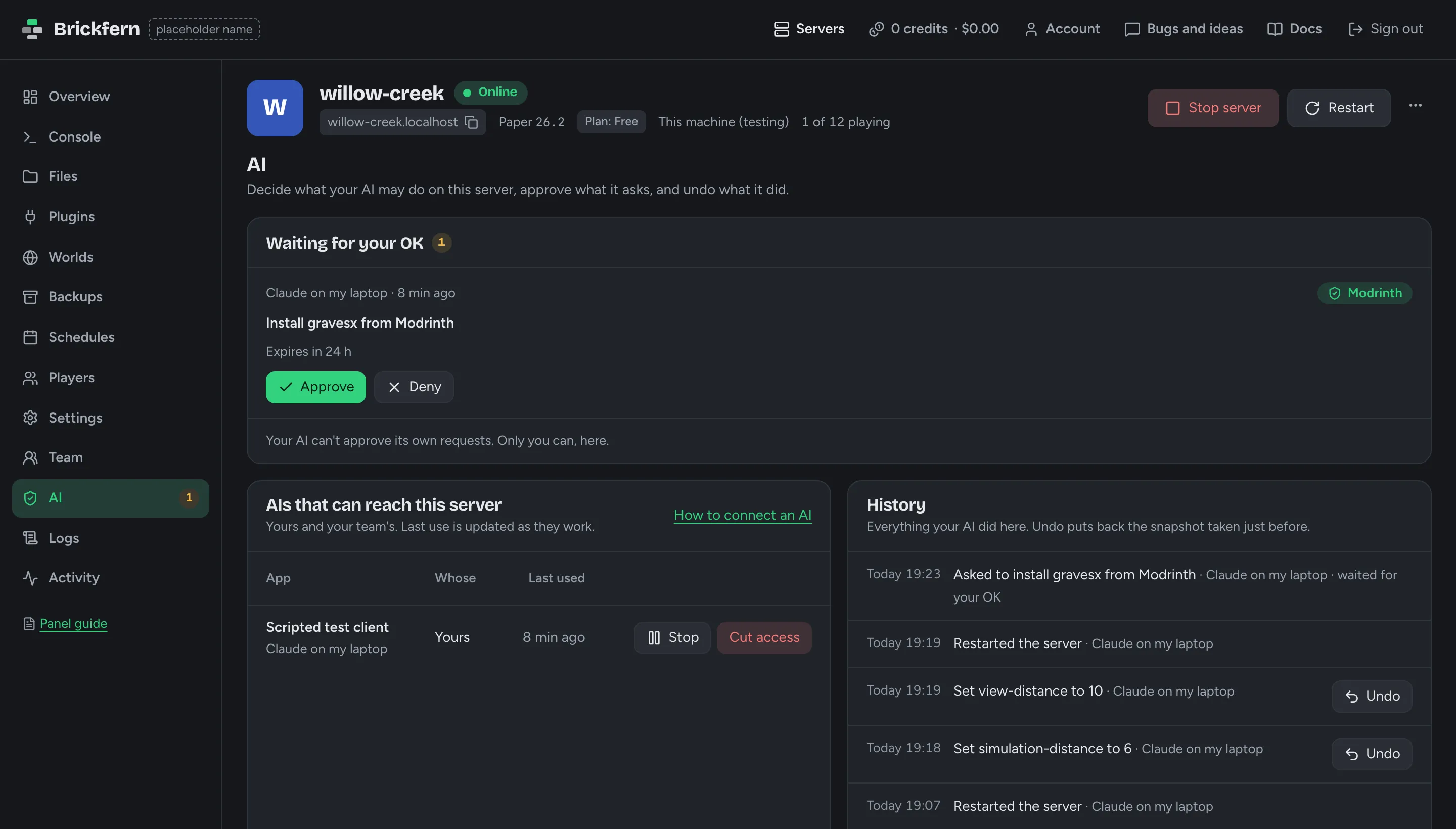
The full panel, on every plan
Console, files, SFTP, plugins, backups and everything else are one click away, free plan included. Nothing is hidden behind an upgrade.
- ConsoleLive output, any command, history and search.
- Files and SFTPEdit configs with checks, drag and drop uploads, SFTP logins.
- PluginsSearch Modrinth and Hangar, install in one click, see each plugin's health.
- WorldsUpload, download, reset with a seed, add extra worlds.
- BackupsDownload any backup, restore into a copy, or bring back single files.
- SchedulesRestarts, backups and commands on a timer.
- PlayersKick, ban, op, whitelist, playtime and notes.
- SettingsMOTD editor with a preview, icon, difficulty and more.
- VersionsSwitch version or software, with a snapshot and a plugin check first.
- TeamCo-owners, admins, moderators and viewers.
- AI accessAllow, Ask or Block per action, approvals and one-click undo.
- AlertsEmail, Discord and browser alerts for what matters to you.
Start from a setup, or from nothing
Four premade setups, built by us and tuned for one kind of game. Change them on a friendly settings page or by asking your AI. Or start blank with Paper.
Economy SMP
Survival with money. Farm and mine, sell to the server or trade with players, and spend on spawners and keys.
- Money, /sell, /pay and a server shop
- An auction house and buy orders
- Stackable spawners
Gens
A generator tycoon. Place generators on your own plot, sell what they make, upgrade tier by tier and prestige.
- 24 generator tiers on your own plot
- Sell what they drop, then upgrade
- A hands-on farm and mine for a second currency
Box PvP
Mine regenerating ore in a shared PvP box, sell it, and climb through pickaxe and gear tiers to deeper mines.
- Regenerating mines from easy to deep
- Sell ore for money and tokens
- Pickaxe enchants and gear tiers
Lifesteal SMP
Kill a player to take a heart, die and lose one. Craft hearts, and bring banned friends back.
- Everyone starts with 10 hearts, capped at 20
- Hearts as items you can craft and bank
- Revive players who hit zero
Pay in credits, see the dollars
100 credits are $1. Credits never expire, and the free plan stays free.
Free
$0No card needed
- 1 GB of memory
- 5 GB of disk
- 1 server
- Sleeps 5 minutes after the last player leaves
- Sleeps when everyone has been AFK for 30 minutes
- Keeps the last 3 snapshots
- The full panel and the AI connector
$7.60 a month760 credits a month · $1.90 per GB
- 4 GB of memory
- 40 GB of disk
- 10 servers
- Sleeps 30 minutes after the last player leaves
- AFK players keep it awake
- Daily backups kept 30 days
- Boosts 20% off
- Your own domain
- World pre-generation
- The full panel and the AI connector
Questions people ask first
Is it really free? What's the catch?
Yes. A free server is small but real: one server with 1 GB of memory, 5 GB of disk and the full panel. The catch is that it sleeps 5 minutes after the last player leaves, and wakes again when someone joins, which takes about 20 seconds. Paid plans give more memory, stay awake longer and skip the queue at busy times.
Do I need Claude or ChatGPT?
No. The panel does everything on its own. Connecting an AI is optional, and you can do it any time later.
Is my AI safe to connect?
You decide what it may do. Every action is set to Allow, Ask or Block for each server, and risky ones start on Ask, so they wait for your OK in the panel. Your AI can never approve its own requests. We save a snapshot before every change it makes, and you can undo any change in one click.
Can Bedrock and phone players join?
Yes. Turn on crossplay for your server, and players on Bedrock Edition, phones and tablets included, can join alongside Java players.
Just here to play?
Our hub lists the servers on Server Host. In Minecraft Java, open Multiplayer, choose Add Server and paste this address.
play.test.quarrymc.netOn Bedrock, add the same address with port 19132.